

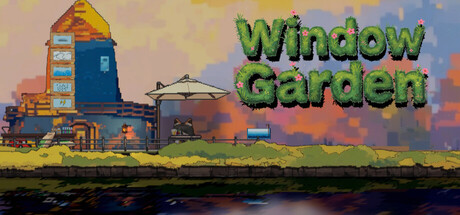
WindowGarden
Manage your garden on your desktop and experience its ups and downs. Watch the weather change, plants grow, and enjoy the beautiful music! This game has been specially designed to avoid interfering with your normal work.
Does this feel indie?
Vote based on whether this game feels indie to you. You can change your vote at any time. Results earn an IGF score after 10 accepted votes.| ContextThe evidence factors used to assess whether this game belongs on IndieGame.Fan. | Status | Notes Latest Contributor: IGF TeamEdit notes |
|---|---|---|
Media
7 itemsAbout the Game
Thank you for playing this game!
Grow plants under your computer screen, manage a beautiful garden with a cute fox, or simply enjoy watching them!
Watch the beautiful weather system and the changing time, from day to night, from clear skies to cloudy days, rain, or sudden lightning.


The flowers you grow aren't just for show; you can also sell them to earn money, which you can use to upgrade your tools and get magical stars!

Considering you might not want the game to interfere with your computer usage, we've added a special "pass-through area" to this game. When you enable this mode, any area around your mouse becomes transparent! You can also adjust the size of this area.
