

...INDIE
Watch The Fish
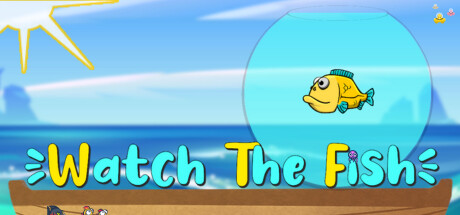
Keep the fish water in jar as long as possible ! Watch The Fish is an arcade game where you have to show your dexterity to manage the fish water and get the best possible score. Choose to turn the wheel of fortune at your own risk.
Developer
Publisher
Release
January 24, 2024
2 years and 279 days ago
Steam Reviews
1 user reviews1 reviews100.0%
Game contextLatest: IGF Team
| ContextThe evidence factors used to assess whether this game belongs on IndieGame.Fan. | Status | Notes Latest Contributor: IGF TeamEdit notes |
|---|---|---|
Media
6 itemsAbout the Game
Keep the fish water in jar as long as possible ! Watch The Fish is an arcade game where you have to show your dexterity to manage the fish water and get the best possible score. Choose to turn the wheel of fortune at your own risk.
Enable it in Steam Input by selecting a "Gamepad with Gyro" profile.
The gyro should act as the right joystick and always be activated (check the Gyro settings).
Features
- Fishes
- World leaderboard of goldfish lovers
- Stats and achievements
- Constantly increasing entropy controlled by an invisible force
- Chill and annoying songs
- Many fishes
- Weather events
- Different endings to unlock
- Coins, diamonds and many many fishes !
For Steam Deck players
For a unique gaming experience, the fishjar angle can be controlled by the console gyroscope. Please make a try.Enable it in Steam Input by selecting a "Gamepad with Gyro" profile.
The gyro should act as the right joystick and always be activated (check the Gyro settings).
YouTube Videos
Most viewedNo videos are available for this game yet.
User Comments
Join the conversation in this game’s community chat.
