

...INDIE
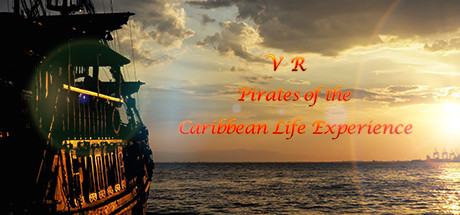
VR Pirates of the Caribbean Life Experience
This is a VR tour game with the theme of pirate culture. Players can travel through the three scenes of the pirate ship, the pirate bedroom and the underwater ruins.
Developer
Publisher
Release
August 25, 2021
5 years and 67 days ago
Steam Reviews
2 user reviews2 reviews0.0%
Game contextLatest: IGF Team
| ContextThe evidence factors used to assess whether this game belongs on IndieGame.Fan. | Status | Notes Latest Contributor: IGF TeamEdit notes |
|---|---|---|
Updated: Jul 14, 2026Developer scaleThe operating scale of the game's developer. | ||
Updated: Jul 14, 2026Publisher scaleThe operating scale of the game's publisher. | ||
Updated: Jul 14, 2026Publisher statusHow the game's publishing relationship is classified. | ||
Updated: Jul 14, 2026Creative controlWho appears to retain creative control of the game. | ||
Updated: Jul 14, 2026Release statusWhether and how the game has been released. |
Media
6 itemsAbout the Game
This is a VR tour game with the theme of pirate culture. Players can travel through the three scenes of the pirate ship, the pirate bedroom and the underwater ruins. The pirate ship has 3 viewing angles, which are the pirate first-person view, the third-person view on the boat, and the aerial flight view. Players can admire the misty sea level and huge pirate ship from the third-person perspective. Switch to the pirate perspective and explore the internal structure of the pirate ship. At the same time, the aerial perspective can overlook the entire island. The rich viewing perspective allows players to fully experience the pirate culture. .
instructions:
The left handle touchpad controls movement, the menu button calls out the menu, and the trigger button interacts. In the first scene, the grip button can switch the viewing angle;
The right handle touchpad controls the direction, the grip button can switch weapons in the pirate state, and the trigger button uses the weapon;
instructions:
The left handle touchpad controls movement, the menu button calls out the menu, and the trigger button interacts. In the first scene, the grip button can switch the viewing angle;
The right handle touchpad controls the direction, the grip button can switch weapons in the pirate state, and the trigger button uses the weapon;
YouTube Videos
Most viewedNo videos are available for this game yet.
User Comments
Join the conversation in this game’s community chat.
