


Uninstall Simulator
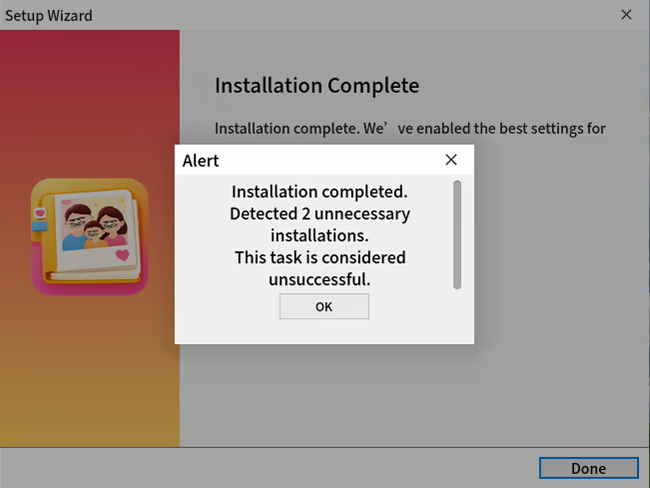
You will connect remotely to one client desktop after another, helping users install and remove rogue software. You must identify hidden promotional installers and trap options, while also repairing tampered system settings and abnormal faults within the system.
Does this feel indie?
Vote based on whether this game feels indie to you. You can change your vote at any time. Results earn an IGF score after 10 accepted votes.| ContextThe evidence factors used to assess whether this game belongs on IndieGame.Fan. | Status | Notes Latest Contributor: IGF TeamEdit notes |
|---|---|---|
Updated: Jul 14, 2026Developer scaleThe operating scale of the game's developer. | ||
Updated: Jul 14, 2026Publisher scaleThe operating scale of the game's publisher. | ||
Updated: Jul 14, 2026Publisher statusHow the game's publishing relationship is classified. | ||
Updated: Jul 14, 2026Creative controlWho appears to retain creative control of the game. | ||
Updated: Jul 14, 2026Release statusWhether and how the game has been released. |
Media
7 itemsAbout the Game
Welcome to Uninstall Simulator
In this modern puzzle-strategy game, you play as a remote computer specialist—or at least, that’s what your clients believe.
Connect via a virtual desktop to help a colorful cast of characters battle rogue software, deceptive installers, hijacked search engines, and the systemic chaos they cause.
Can you navigate the digital mess efficiently and accurately?
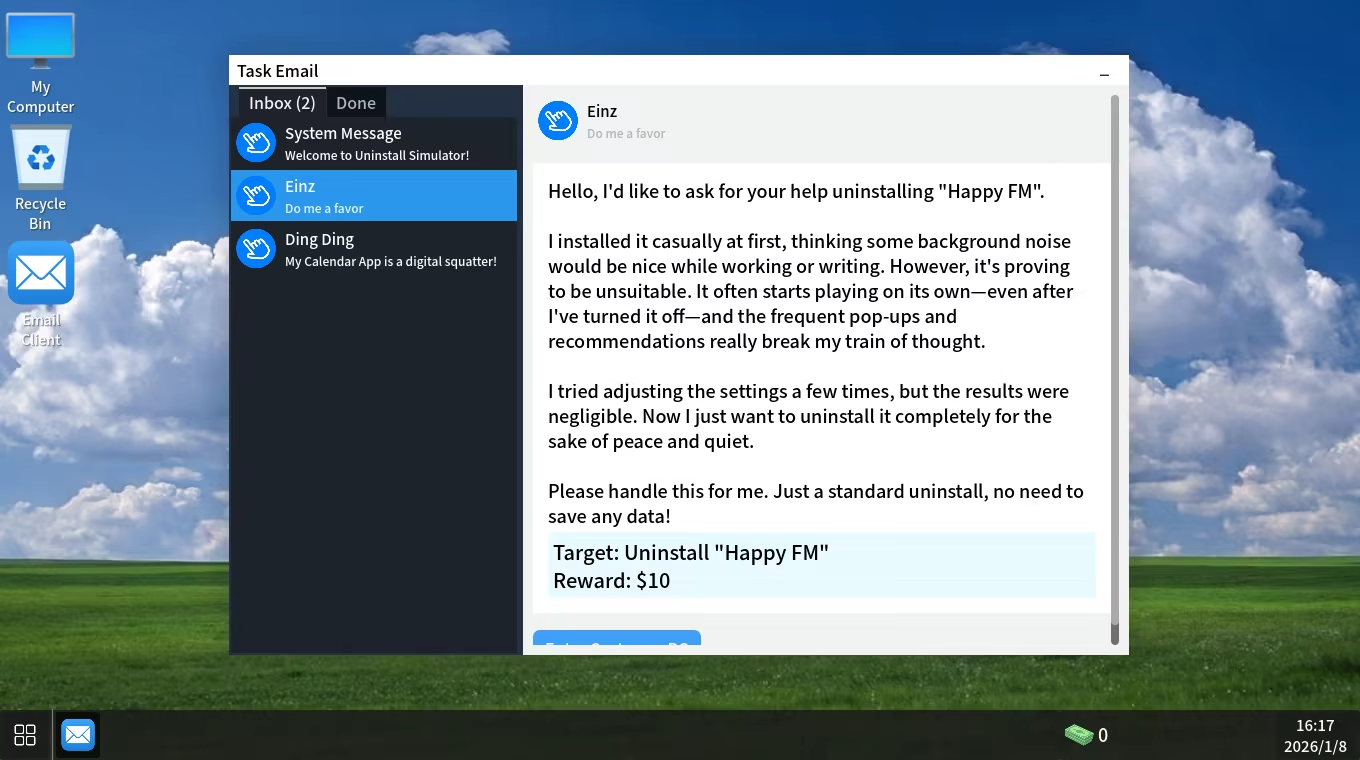
Accept, Diagnose, Execute
You will receive commissions via the TaskMail system. From harmless complaints like "My desktop icons are gone" to time-critical ransomware crises, every order is a fresh challenge.
There are no standard procedures, only correct judgments.
Core Features
Visual Deception
The "X" in the top right corner isn't always real. Sometimes clicking it closes the window; other times, it triggers a full-screen ad. The most dangerous part? Sometimes, it actually works just to confuse you.
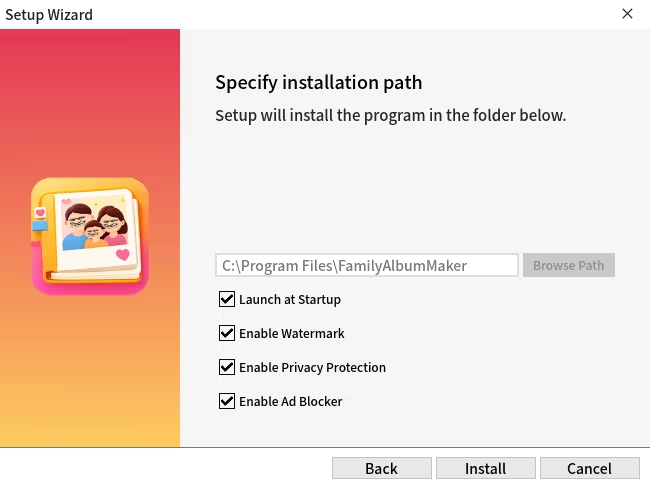
Physical Confrontation
Some pop-ups detect your mouse speed. Move too fast, and the window flees. Some buttons are even affected by gravity, falling right off the screen if you aren't quick enough.
Hardcore Cleaning Tools
When standard uninstallers fail, you must get aggressive:
Kill "respawning processes" in the Task Manager.
Dive into the Registry to root out the infection.
There are even some “ultimate measures” that exist only in rumors.
Every step carries a risk, and mistakes often mean more trouble.
Call an Expert
Stuck on a tricky problem? You can hire other experts to assist, but their fees are steep!

Warning
This game will not affect your actual computer, but it may shake your trust in the "Next" button forever.
