

...INDIE
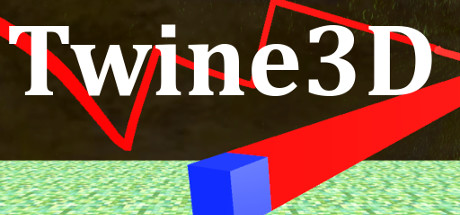
Twine3D
Twine3D is a third person view control path craft game. Control: Move forward:default keyboard button w; Move back:default keyboard button s; Move left:default keyboard button a; Move right:default keyboard button d; Move up:default keyboard button space; Move down:default keyboard button q; Long click mouse left button to rotate the...
Developer
Publisher
Release
December 26, 2017
8 years and 309 days ago
Steam Reviews
Mixed32 reviews50.0%
Game contextLatest: IGF Team
| ContextThe evidence factors used to assess whether this game belongs on IndieGame.Fan. | Status | Notes Latest Contributor: IGF TeamEdit notes |
|---|---|---|
Media
5 itemsAbout the Game
Twine3D is a third person view control path craft game.
Control:
Move forward:default keyboard button w;
Move back:default keyboard button s;
Move left:default keyboard button a;
Move right:default keyboard button d;
Move up:default keyboard button space;
Move down:default keyboard button q;
Long click mouse left button to rotate the camera;
Long click mouse right button to rotate the player cube;
Two Game Mode:Creative and Chase.
Game Mode Creative:free to move.Player can save the scene as a Twine3D file, and load a Twine3D file to
create the scene.
Game Mode Chase:control the player cube to chase the AICube.Dodge the AICube path and walls,twine the AICube until win.
Control:
Move forward:default keyboard button w;
Move back:default keyboard button s;
Move left:default keyboard button a;
Move right:default keyboard button d;
Move up:default keyboard button space;
Move down:default keyboard button q;
Long click mouse left button to rotate the camera;
Long click mouse right button to rotate the player cube;
Two Game Mode:Creative and Chase.
Game Mode Creative:free to move.Player can save the scene as a Twine3D file, and load a Twine3D file to
create the scene.
Game Mode Chase:control the player cube to chase the AICube.Dodge the AICube path and walls,twine the AICube until win.
YouTube Videos
Most viewedNo videos are available for this game yet.
User Comments
Join the conversation in this game’s community chat.
