

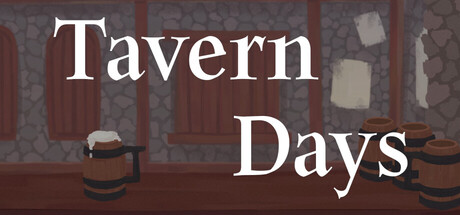
Tavern Days
Tarvern Days is a single-player game made with RPG Maker MV. Become a bar owner in a fantasy world and run a tarvern for 14 days. Find out how your choices determine the fate of your characters. (Almost) everything is in your hands.
Does this feel indie?
Vote based on whether this game feels indie to you. You can change your vote at any time. Results earn an IGF score after 10 accepted votes.| ContextThe evidence factors used to assess whether this game belongs on IndieGame.Fan. | Status | Notes Latest Contributor: IGF TeamEdit notes |
|---|---|---|
Media
6 itemsAbout the Game
Tarvern Days is a single-player Visual Nobel game made with RPG Maker MV. Become a bar owner in a fantasy world and run a tarvern for 14 days. Find out how your choices determine the fate of your characters. (Almost) everything is in your hands.
- Save file -
Manual saving is only possible at the end of the day at the tavern.
It is automatically saved when moving the map, and is stored in the first column of the save.
It's impossible to call during the game. I recommend you turn off the game and call it.
- Keys -
F4 - Full Screen Settings
W, X - High Speed Skip
Click to determine your choice when using the mouse
When using a keyboard, select a choice with up and down keys and decide on a spacebar
