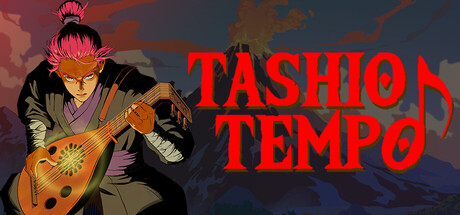
Tashio Tempo
Explore a world filled with corrupted creatures. Focus your mind to cast spells that affect the environment. Wear different tunics for their magical effects, and master playing the Lute in this top-down Game Boy inspired adventure.
Does this feel indie?
Vote based on whether this game feels indie to you. You can change your vote at any time. Results earn an IGF score after 10 accepted votes.| ContextThe evidence factors used to assess whether this game belongs on IndieGame.Fan. | Status | Notes Latest Contributor: IGF TeamEdit notes |
|---|---|---|
Media
12 itemsAbout the Game
Tashio Tempo is a top-down adventure game filled with magic and music! Learn to wield powerful spells that affect the environment around you.
DISCOVER OLD MAGIC
Uncover ancient spells and unlock mystical abilities to overcome the challenges ahead.
MASTER YOUR LUTE
Unique "Lute" system: Freely play music, or play songs from ancient tablature!
BANISH THE CORRUPTION
Spell casting will cleanse the creatures of their corruption, however they will remain dangerous until your music clears the corruption in each biome.
HOW TO PLAY
There is an in-game library that explains the controls and concepts within the game. Here are the keyboard controls:
Navigation ----------- WASD or Arrow Keys
A Button ------------- Spacebar or 'P'
B Button ------------- Shift or 'O'
Start Button --------- Tab
Select Button -------- Ctrl or `
Quit Game ----------- Escape