

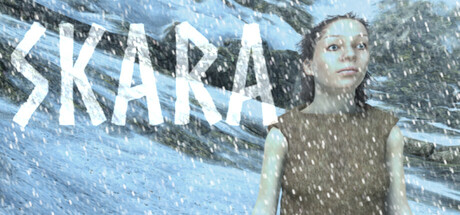
Skara
SKARA is a third person survival game. You need to find food and use pagan magic for healing. Wield primitive weapons to defend against enemies both animal and supernatural. Explore an open wilderness set in prehistoric times.
Does this feel indie?
Vote based on whether this game feels indie to you. You can change your vote at any time. Results earn an IGF score after 10 accepted votes.| ContextThe evidence factors used to assess whether this game belongs on IndieGame.Fan. | Status | Notes Latest Contributor: IGF TeamEdit notes |
|---|---|---|
Media
6 itemsAbout the Game
Skara is a survival game within a single level, in an open world, set in prehistory. There are no loading screens. You are free to explore in any direction. The game ends when you decide to quit and begins anew when you play again, there are no saves between playthroughs.
The protagonist 'Skara' is alone and must find sources of food and defend herself from enemies, both living and dead. Different enemies require different attacks. If you don't want to fight you can run, but always be aware of your surroundings.
Best played within the game level using a controller (you will still need a keyboard and mouse to exit the game). Read the Help menu at the Main menu for controls before first entering the game world.
