

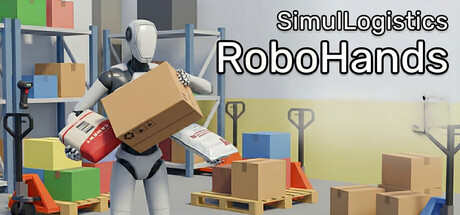
SimulLogistics: RoboHands
Become a member of the logistics center by controlling the robot's hands!
Does this feel indie?
Vote based on whether this game feels indie to you. You can change your vote at any time. Results earn an IGF score after 10 accepted votes.| ContextThe evidence factors used to assess whether this game belongs on IndieGame.Fan. | Status | Notes Latest Contributor: IGF TeamEdit notes |
|---|---|---|
Media
6 itemsAbout the Game
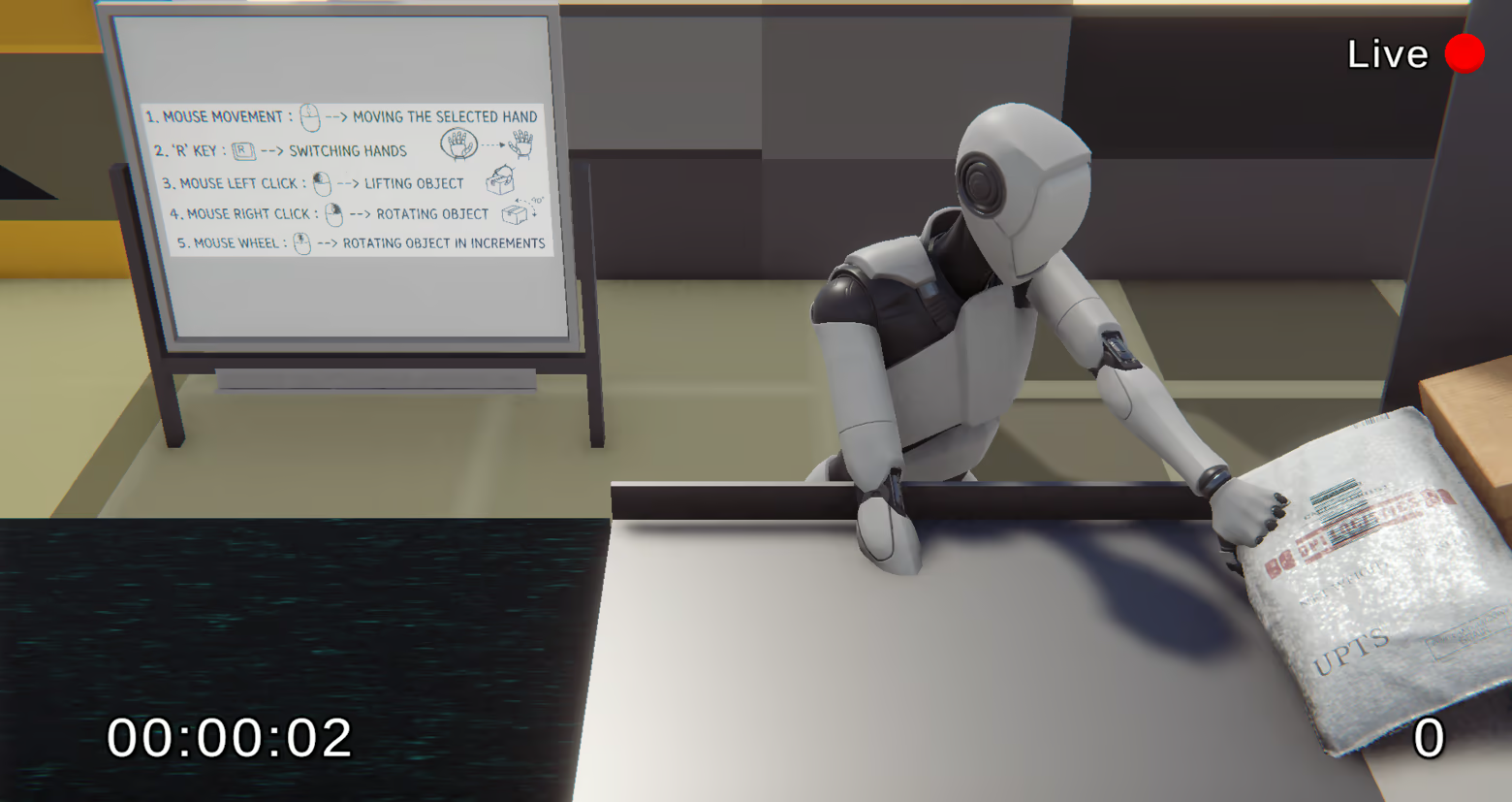
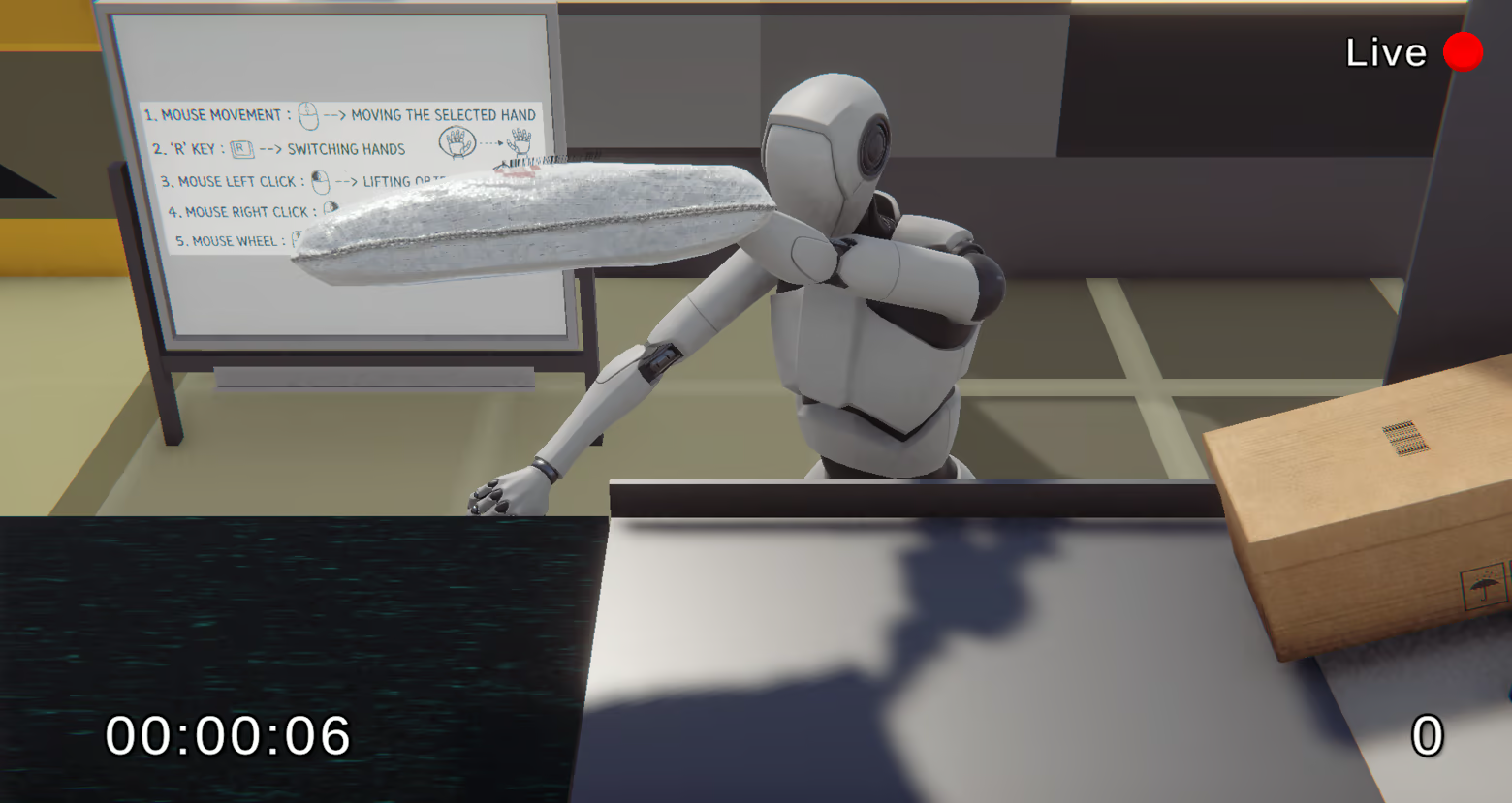
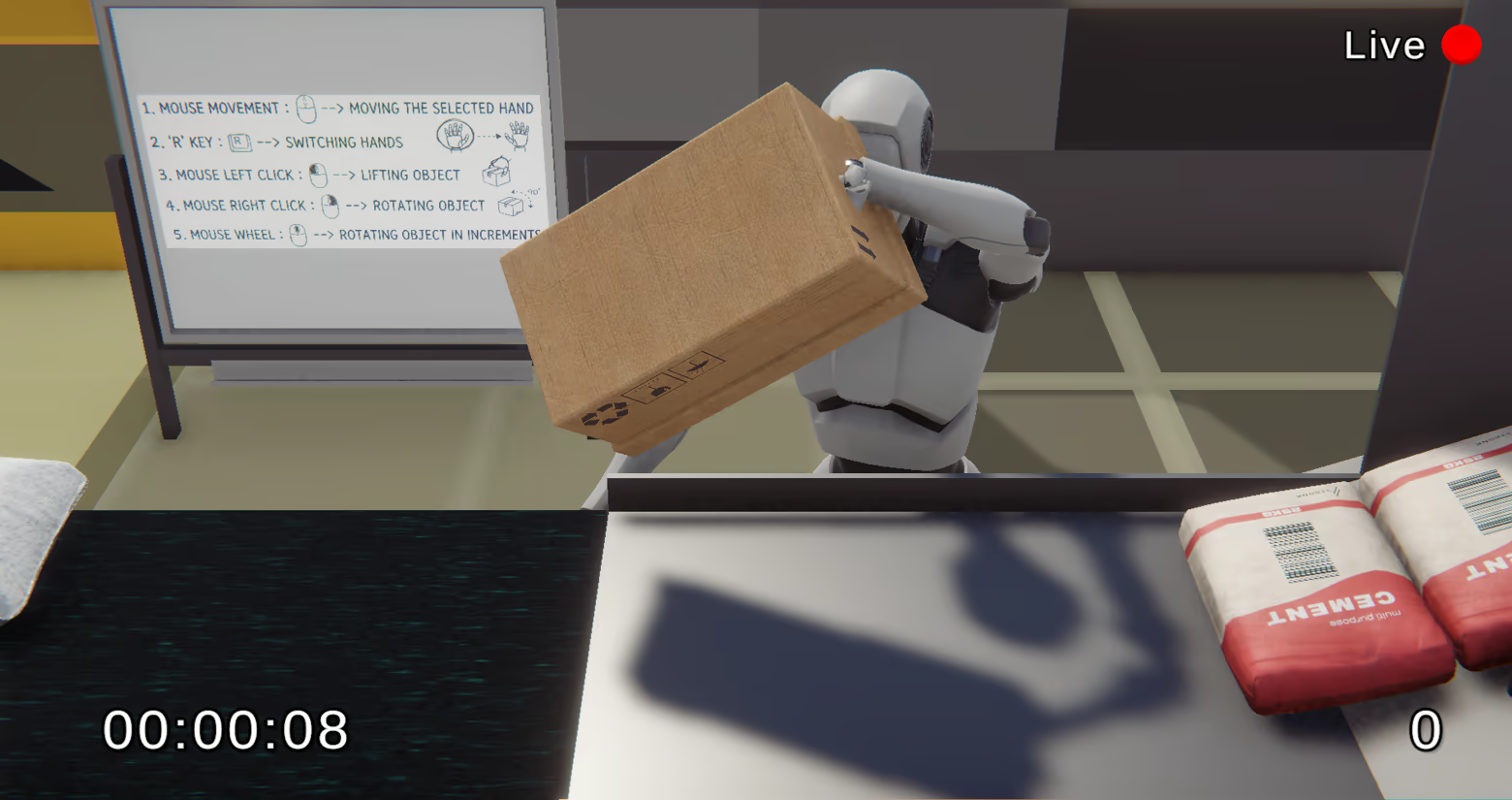
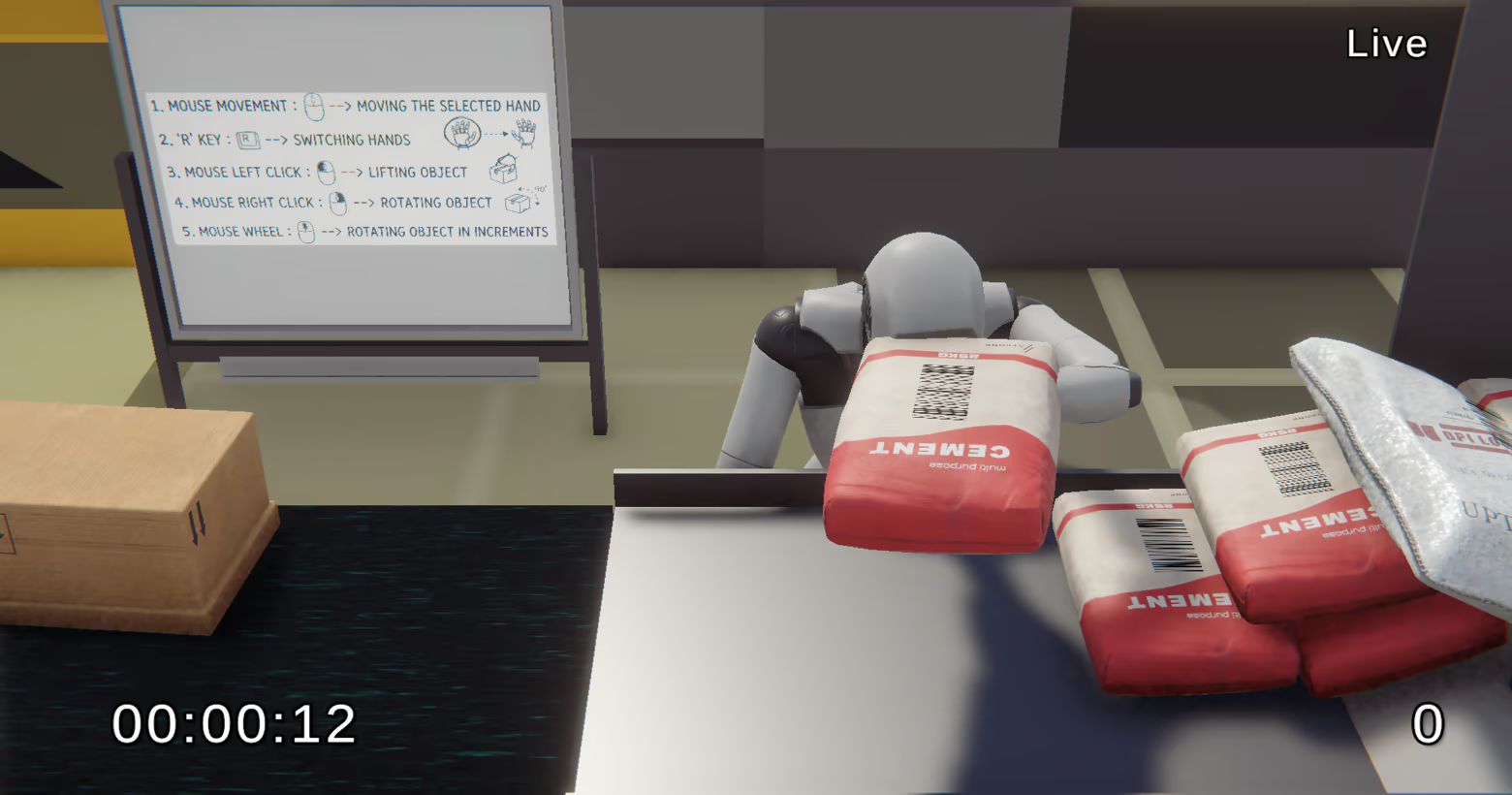
Experience the Delivery Floor In this simulation, you take direct control of logistics robots working on a bustling delivery center floor.
Precise Robotic Controls Take manual control of the robotic arms to grab, carefully rotate, and accurately place various parcels onto the moving conveyor belt.
Satisfying Feedback Precision is key! Position the items perfectly, and you will immediately receive satisfying feedback that the parcel's barcode has been successfully scanned and processed.
More content updates are planned for the future.
Controls (Keyboard & Mouse):
Mouse Movement: Moving the selected hand
R Key: Switching hands
Mouse Left Click: Lifting object
Mouse Right Click: Rotating object (90 degrees)
Mouse Wheel: Rotating object in increments
Controls (Gamepad):
Joystick: Arm Manipulation (Moving the arm position)
LRT: Rotate (Analog control)
LRB: Grab (Toggle)
Menu Button: Menu Open/Close
