

...INDIE
Railroad crossing play
Get your hands on a toy railroad crossing! You can have loads of fun playing with the railroad crossing. Click the mouse or a button on the controller to lower the barrier and watch lots of trains come running!
Developer
Publisher
Release
October 26, 2025
1 year and 3 days ago
Steam Reviews
3 user reviews3 reviews100.0%
Game contextLatest: IGF Team
| ContextThe evidence factors used to assess whether this game belongs on IndieGame.Fan. | Status | Notes Latest Contributor: IGF TeamEdit notes |
|---|---|---|
Media
6 itemsAbout the Game
A simple screen with a railroad crossing (alarm and barrier) and tracks lined up.
Click the mouse or a button on the controller to lower the barrier and see lots of trains coming through!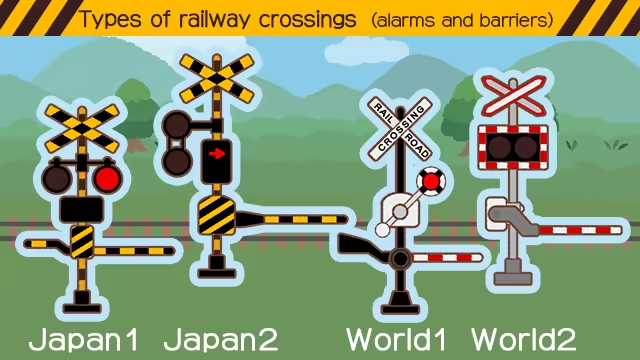
With "mouse," click on the screen with the mouse and the barrier will come down and the train selected (in the settings) will come running.
Click the mouse or a button on the controller to lower the barrier and see lots of trains coming through!
4 types of crossings (alarms and barriers)!
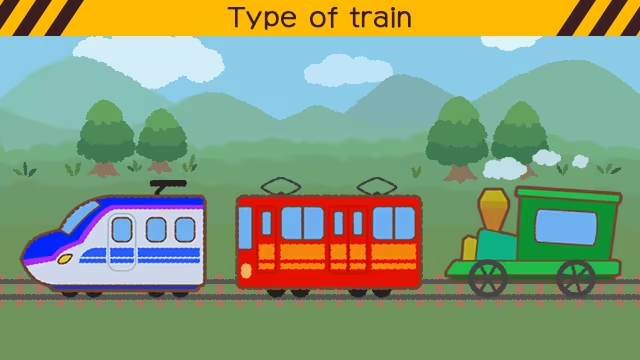
3 types of trains!
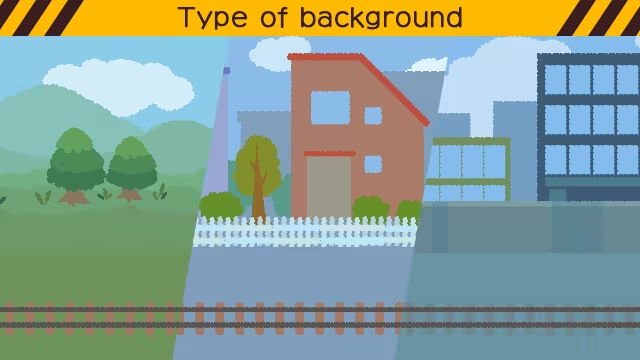
3 types of backgrounds!
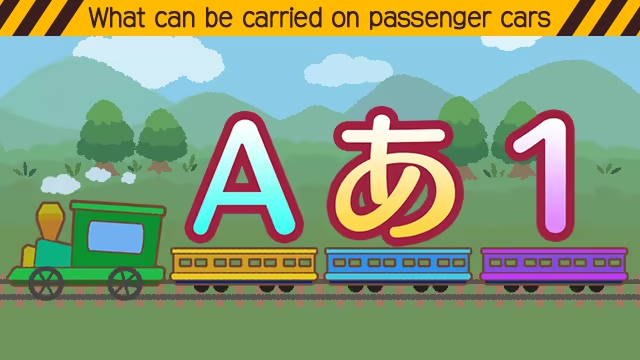
You can place hiragana, numbers, and alphabets on the passenger cars!
●There are two types of control: "buttons" and "mouse."
With "buttons," click the "crossing barrier," "conventional line," "bullet train," and "steam locomotive" buttons at the bottom of the screen (if using a controller, use the directional pad and A, X, and Y buttons).With "mouse," click on the screen with the mouse and the barrier will come down and the train selected (in the settings) will come running.
YouTube Videos
Most viewedNo videos are available for this game yet.
User Comments
Join the conversation in this game’s community chat.
