

Puck's Pixelizer
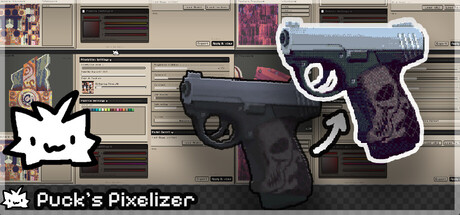
An all in one tool that helps you pixelate and see real time changes on your models.
Does this feel indie?
Vote based on whether this game feels indie to you. You can change your vote at any time. Results earn an IGF score after 10 accepted votes.| ContextThe evidence factors used to assess whether this game belongs on IndieGame.Fan. | Status | Notes Latest Contributor: IGF TeamEdit notes |
|---|---|---|
Updated: Jul 10, 2026Developer scaleThe operating scale of the game's developer. | ||
Updated: Jul 10, 2026Publisher scaleThe operating scale of the game's publisher. | ||
Updated: Jul 10, 2026Publisher statusHow the game's publishing relationship is classified. | ||
Updated: Jul 10, 2026Release statusWhether and how the game has been released. |
Media
12 itemsAbout the Game
Model used in trailer made by Piotr Pisiak
An all in one tool that helps you pixelate and see real time changes on your models.
Features
Works seamlessly with both high-poly and low-poly models
Supports textures up to 2K resolution
Includes 131 ready-to-use color palettes
Instantly pixelates imported textures
Adjustable palette influence and color intensity
Built-in dithering options
Fine-tune brightness, exposure, blur, saturation, contrast, and color tint
Custom theme support for a personalized workflow
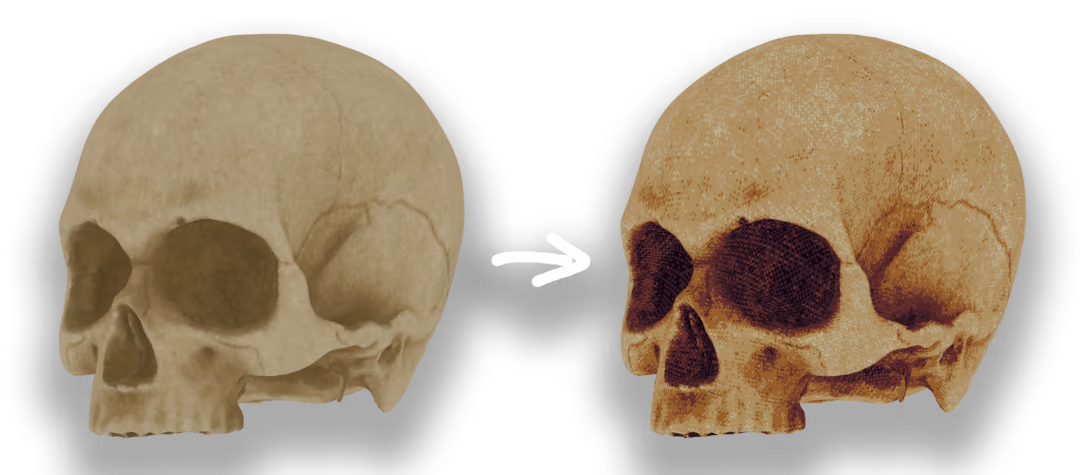
Skull Model By soidev
Limitations
This software is focused exclusively on shading and applying a unique pixelated style to existing textures.
It does not include tools for drawing textures or creating 3D models.
Optimized for textures up to 512×512 resolution.
1K and 2K textures are supported but may result in reduced performance depending on your hardware.
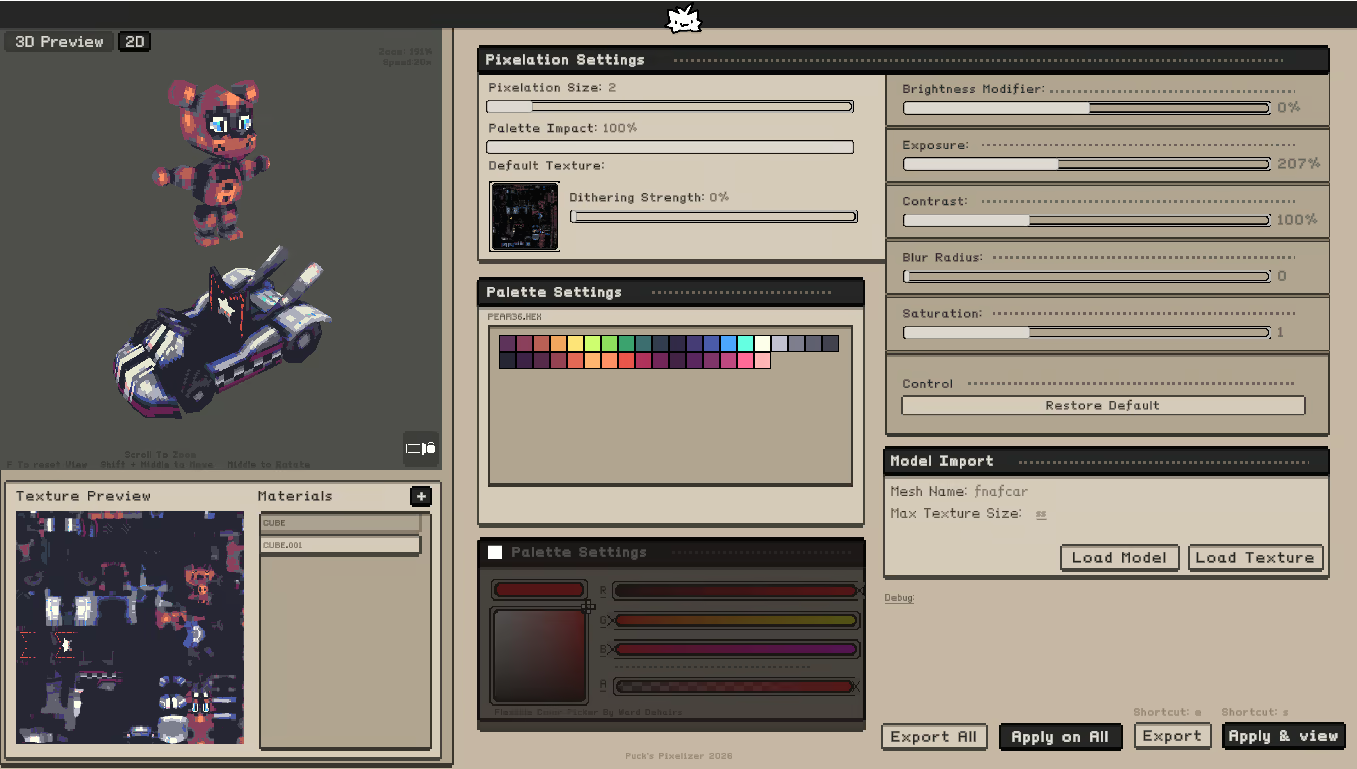
Theme Support
Themes can be found in the Data/StreamingAssets/Themes folder.
To change the active theme, edit the activetheme.txt file and enter the name of one of the available theme files.
You can also create and use your own custom themes.
If you’d like your theme to be included in the official collection, feel free to contact the developer on Discord.
