

Play Room 0g
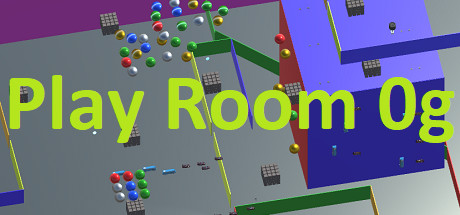
Play Room 0g is a first-person free-play game; you can do whatever you want. The player can travel in any direction because there is no gravity.
Developer
Publisher
Release
October 29, 2018
7 years and 279 days ago
Steam Reviews
1 user reviews1 reviews100.0%
Does this feel indie?
Vote based on whether this game feels indie to you. You can change your vote at any time. Results earn an IGF score after 10 accepted votes.No votes yet
Game contextLatest: IGF Team
| ContextThe evidence factors used to assess whether this game belongs on IndieGame.Fan. | Status | Notes Latest Contributor: IGF TeamEdit notes |
|---|---|---|
Media
8 itemsAbout the Game
fps Game With No Gravity
description
Play Room 0g is a sandbox FPS game where you can do anything you want. Unlike most fps games there is no gravity; you can move in any direction in 3D space. There are a variety of weapons you can pickup in the game; these include:- Rubber Ball Gun: Can launch rubber balls that can push objects or ignite fireworks.
- Singularity Gun: The singularity gun launches a small energy shot that becomes a black hole, sucking in nearby objects.
- Firework Gun: Launches a rocket firework that explodes when it hits something.
- Blaster Gun: Shoots energy blasts that can destroy things.
- Tractor Beam: Pulls objects towards you.
- Repulsor Beam: Pushes objects away from you.
- Machine Gun: Rapidly fires bullets that can quickly destroy other objects or ignite fireworks.
- Cutting Beam: Laser beam used to destroy objects.
- Multiplier Gun: When an object is hit by a multiplier shot the object is duplicated.
- Shotgun: Shoots a powerful blast useful for destroying other objects or enemies.
- Rocket: Launches a powerful rocket that detonates when it hits an object.
- Guided Rocket: Launches a guided missile that seeks another player or AI target
Controls
By default Play Room 0g uses standard FPS movement keys; WSADThe left mouse button is the fire button and the right switches weapons
The controls are configurable; when the Play Room 0g Configuration dialog comes up click on the "Input" tab to configure your controls. You can also add and configure a game controller.
