

On Cmnd
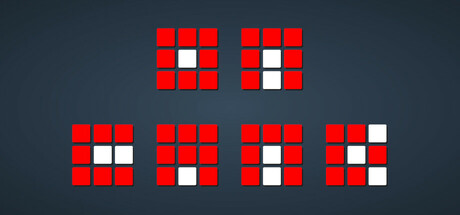
On Cmnd is a time attack arcade game where you follow a list of increasingly complex rules to determine which button on screen to press. There are 16 normal and 16 challenge levels to test your reflexes, as well as a custom level system for extra fun!
Developer
Publisher
Release
Coming Soon
Steam Reviews
No reviews yet
Does this feel indie?
Vote based on whether this game feels indie to you. You can change your vote at any time. Results earn an IGF score after 10 accepted votes.No votes yet
Game contextLatest: IGF Team
| ContextThe evidence factors used to assess whether this game belongs on IndieGame.Fan. | Status | Notes Latest Contributor: IGF TeamEdit notes |
|---|---|---|
Media
8 itemsAbout the Game
On Cmnd (short for On Command) is a time attack arcade game based around the concept of following a list of seemingly simple rules such as "Press Red" or "Avoid Red" to determine which button on screen to tap or click. More and more rules will appear at once, making things more and more complicated and confusing as the game progresses!
Note that you only need to press one button to progress. If a series of commands is shown, follow them in order and then press a button that matches the commands given. Correct answers will flash after a button is pressed or you run out of time.
There are a total of 16 regular levels and 16 additional challenge levels that are unlocked as you defeat each level. You can also create your own custom levels and place them on your computer (in the "levels" folder next to your savegame, in "%AppData%/on-command" or "~/.local/share/on-command") for extra fun.
Colorblindness accessibility is available in the options menu - there you can configure the four basic colors the game uses to be easier to see.
Note that you only need to press one button to progress. If a series of commands is shown, follow them in order and then press a button that matches the commands given. Correct answers will flash after a button is pressed or you run out of time.
There are a total of 16 regular levels and 16 additional challenge levels that are unlocked as you defeat each level. You can also create your own custom levels and place them on your computer (in the "levels" folder next to your savegame, in "%AppData%/on-command" or "~/.local/share/on-command") for extra fun.
Colorblindness accessibility is available in the options menu - there you can configure the four basic colors the game uses to be easier to see.
