

Marimoth
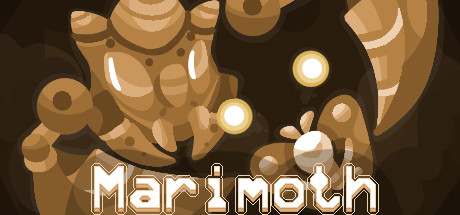
Marimoth is a short shoot 'em up that puts in control of a moth whose shots bounce off the walls. Calculate your aim, evade enemy attacks by learning their patterns and collect coins to power up.
Does this feel indie?
Vote based on whether this game feels indie to you. You can change your vote at any time. Results earn an IGF score after 10 accepted votes.| ContextThe evidence factors used to assess whether this game belongs on IndieGame.Fan. | Status | Notes Latest Contributor: IGF TeamEdit notes |
|---|---|---|
Media
6 itemsAbout the Game

The Royal Moth has been kidnapped! Use your powers to advance through five different regions, each one with its own guardian.
Although you can't shoot straight forward, a well aimed reflected shot will do the job and help you survive through this journey.

Many different enemies, each one with its own attack pattern to be learned.
Memorable bosses and locations.
Three power up levels, achieved through coin collection.
Chase a good score and display it on Steam Leaderboards.
Simple controls.
A secret ending...?
Möth

WASD / Arrow keys - Move
Spacebar - Shoot
Hold spacebar for autofire
Escape / P - Pause
Enter - Resume
F4 - Toggle fullscreen
Shift + R - Back to Menu
