

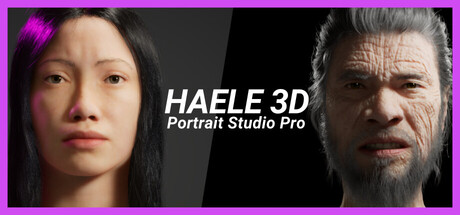
HAELE 3D - Portrait Studio Pro - Drawing References
HAELE 3D - Portrait Studio Pro is 3D facial anatomy drawing reference tool for beginner and advanced artists, with various characters, proportions, expressions lights and environments. It is an easy to use app to complement tutorials, for those who are learning how to draw faces and heads.
Does this feel indie?
Vote based on whether this game feels indie to you. You can change your vote at any time. Results earn an IGF score after 10 accepted votes.| ContextThe evidence factors used to assess whether this game belongs on IndieGame.Fan. | Status | Notes Latest Contributor: IGF TeamEdit notes |
|---|---|---|
Updated: Jul 13, 2026Developer scaleThe operating scale of the game's developer. | ||
Updated: Jul 13, 2026Publisher scaleThe operating scale of the game's publisher. | A separate publisher is listed for this release. | |
Updated: Jul 13, 2026Release statusWhether and how the game has been released. |
Media
16 itemsAbout the Game
HAELE 3D - Portrait Studio Pro is a 3D facial anatomy drawing reference tool designed for beginner to advanced artists. With a diverse range of editable characters, expressions, lighting setups and environments, it serves as a resource for learning how to draw human faces and heads. Whether your art style is realistic, stylized, cartoon, anime or anything in between, this is easy to use app complements tutorials and aids practicing your portrait drawing or sculpting skills from sketch to finish.
It contains more characters, presets, hair and beard styles, expressions and environment options compared to the HAELE 3D - Portrait Studio Lite.
Features:
Quickly access predefined editable configurations to streamline your workflow.
Choose from a variety of characters to practice drawing different faces.
Access a wide library of expressions for quick inspiration and ideas.
Customize your characters with different facial features, proportions skin tones and materials
Groom Variations: Change hair, beard, mustache, and eyebrow styles.
Control the atmosphere with adjustable lighting, including 3 spotlights (color, intensity, transformation), Environment light (HDRI map, intensity), and Ground light (color, intensity).
Select from HDRI backgrounds, solid background colors, toggle floor visibility, and customize floor color and reflectivity.
Fine-tune camera angles, locations, positions, and field of view for the perfect reference.
Save and Load Scenes.
