

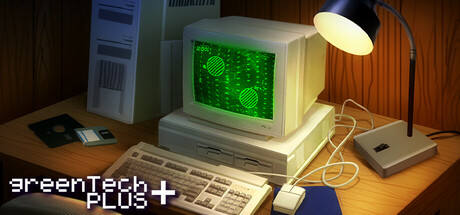
greenTech+ Legacy Edition
Lead clouds of pollution into the cleansing centers, but be careful not to destroy the world by accident.
Developer
Publisher
Release
May 9, 2018
8 years and 87 days ago
Steam Reviews
3 user reviews3 reviews100.0%
Does this feel indie?
Vote based on whether this game feels indie to you. You can change your vote at any time. Results earn an IGF score after 10 accepted votes.No votes yet
Game contextLatest: IGF Team
| ContextThe evidence factors used to assess whether this game belongs on IndieGame.Fan. | Status | Notes Latest Contributor: IGF TeamEdit notes |
|---|---|---|
Media
8 itemsAbout the Game
Take it back to the old school days of twitch reflexes, retroish graphics, and relaxing music! You control a hurricane that can guide toxic clouds into cleaning factories. Watch out for high pressure zones, as they can disperse the clouds into the atmosphere and increase the chance of destroying the world! Includes 30 levels with dozens of unlockable monitors, along with anaglyph 3D support! (red/blue glasses).
NOTE: This is a Legacy release of Vertigo Gaming Inc.'s back catalog titles. Because it is an older game running on newer hardware there may be some unexpected errors. Here's how to solve them:
NOTE: This is a Legacy release of Vertigo Gaming Inc.'s back catalog titles. Because it is an older game running on newer hardware there may be some unexpected errors. Here's how to solve them:
- If you have an error of "Failed to load the game data, File seems corrupted.", you will need to disable the Print Spooler on your computer, as older GM8 games can have this issue. First, right click on This PC or My Computer and select Manage. Select Services and Applications on the left side bar and then select Services. Double click the "Print Spooler" key and go to the General tab, select Startup Type, then select Disabled. Finally, select Stop below the Service Status and then click Apply. The game should now boot up correctly.
- If the game does not close properly and continues to run on Steam even after exiting the game, you will need to run it in compatibility mode to resolve this issue. Right click the game in your Steam Library, go to Properties, then Local Files, then Browse Local Files. Right click on the main .exe in the folder, and go to Properties. Click on the Compatibility tab, then click the "Run this program in compatibility mode for:" box and select Windows XP, then Apply and OK. Restart your computer, and the game will now correctly close after exiting.
