

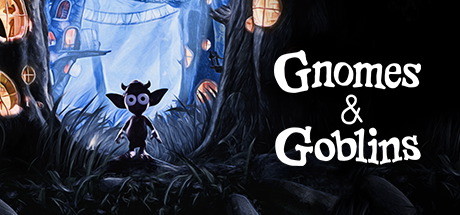
Gnomes & Goblins
Embark on a dream-like journey in this fantasy adventure VR simulation. Encounter goblin inhabitants, become part of their society, and save them from their foe. Freely roam the enchanted forest to discover deeper layers of their mysterious ways and reap the rewards of this magical world.
Developer
Publisher
Release
September 23, 2020
5 years and 313 days ago
Steam Reviews
Mostly Positive116 reviews73.3%
Does this feel indie?
Vote based on whether this game feels indie to you. You can change your vote at any time. Results earn an IGF score after 10 accepted votes.No votes yet
Game contextLatest: IGF Team
| ContextThe evidence factors used to assess whether this game belongs on IndieGame.Fan. | Status | Notes Latest Contributor: IGF TeamEdit notes |
|---|---|---|
Updated: Jul 13, 2026Developer scaleThe operating scale of the game's developer. | ||
Updated: Jul 16, 2026Publisher scaleThe operating scale of the game's publisher. | ||
Updated: Jul 16, 2026Publisher statusHow the game's publishing relationship is classified. | ||
Updated: Jul 16, 2026Release statusWhether and how the game has been released. |
Media
8 itemsAbout the Game
Gnomes & Goblins is an original indie production from Wevr with MWM and Golem Creations that offers players a unique opportunity to explore an enchanted virtual world created by Jon Favreau (director of The Lion King, The Jungle Book, Chef, Iron Man) in collaboration with VR Director Jake Rowell (theBlu, Call of Duty, Superman Returns).
G&G is a high fidelity game demanding on GPU/CPU. We’ve strived to maintain a very high visual bar through our quality settings and support for older GPUs. We are continuing to make improvements. On lower spec machines try changing the Options->Video to Medium or Low.
G&G is a high fidelity game demanding on GPU/CPU. We’ve strived to maintain a very high visual bar through our quality settings and support for older GPUs. We are continuing to make improvements. On lower spec machines try changing the Options->Video to Medium or Low.
