

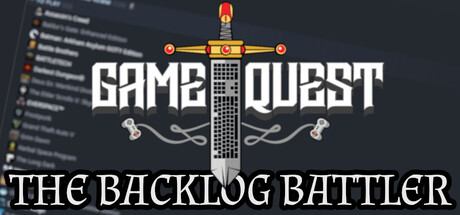
Game Quest: The Backlog Battler
This Arcade Hack & Slash answers the age old question: "What if the games you never play could attack you?" Fight back your backlog! The more you paid, the more damage they will do to you! (just like in real life).
Does this feel indie?
Vote based on whether this game feels indie to you. You can change your vote at any time. Results earn an IGF score after 10 accepted votes.| ContextThe evidence factors used to assess whether this game belongs on IndieGame.Fan. | Status | Notes Latest Contributor: IGF TeamEdit notes |
|---|---|---|
Updated: Jul 16, 2026Developer scaleThe operating scale of the game's developer. | ||
Updated: Jul 16, 2026Publisher scaleThe operating scale of the game's publisher. | ||
Updated: Jul 16, 2026Publisher statusHow the game's publishing relationship is classified. | ||
Updated: Jul 16, 2026Release statusWhether and how the game has been released. |
Media
8 itemsAbout the Game
Armed with your trusty keyboard and mouse, battle the games you never play! The more you paid for them, the more damage they will do to you (just like in real life).
Fight in an arena surrounded by your well-played spectator games, while the immortal royalty (the games you have never played) lord over you at the end of the arena.
Games you played for up to two hours will attack you in waves - but watch out for flying enemies (high Metacritic score), Platform supported enemies, DLC enemies and Controller Supported enemies; amongst many more!
