

...INDIE
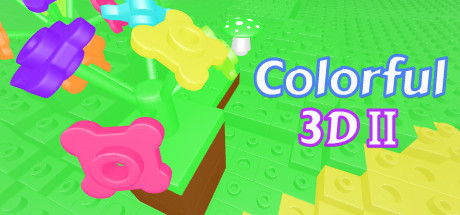
Colorful 3D II
If you love creativity, builders and stackable bricks. You're bound to love Colorful3D II. This original 3D game introduces a completely free space where players are able to build whatever they wish while unleashing their imagination.
Developer
Publisher
Release
March 6, 2020
6 years and 241 days ago
Steam Reviews
7 user reviews7 reviews14.3%
Game contextLatest: IGF Team
| ContextThe evidence factors used to assess whether this game belongs on IndieGame.Fan. | Status | Notes Latest Contributor: IGF TeamEdit notes |
|---|---|---|
Updated: Jul 11, 2026Developer scaleThe operating scale of the game's developer. | ||
Updated: Jul 11, 2026Publisher scaleThe operating scale of the game's publisher. | ||
Updated: Jul 11, 2026Publisher statusHow the game's publishing relationship is classified. | ||
Updated: Jul 11, 2026Release statusWhether and how the game has been released. |
Media
9 itemsAbout the Game
If you love creativity, builders and stackable bricks.
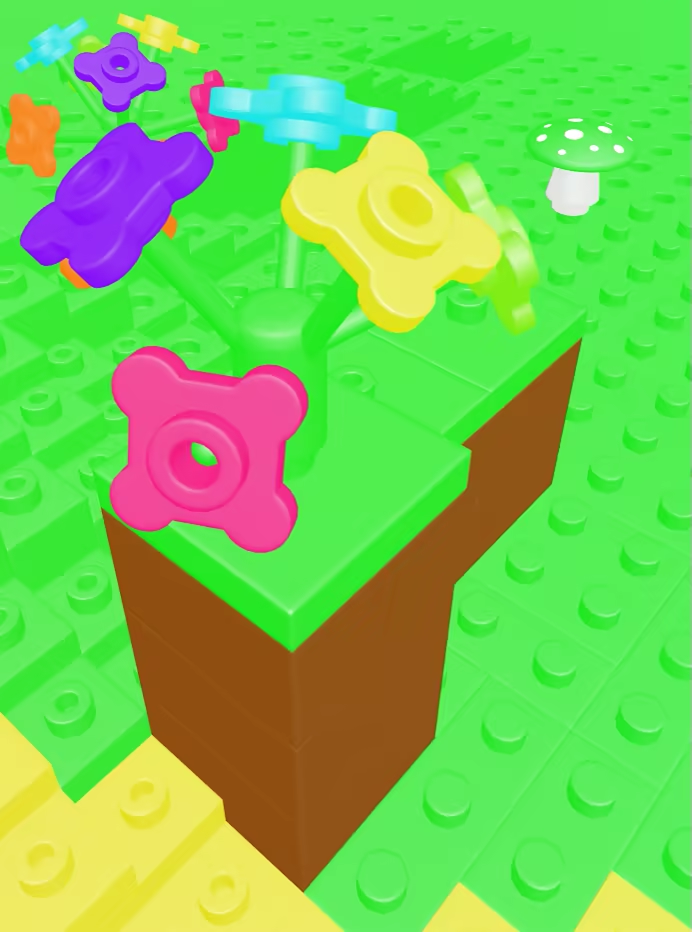
You're bound to love Colorful3D II. This original 3D game introduces a completely free space where players are able to build whatever they wish while unleashing their imagination. There are no limitations: you can do whatever you want, build the house and town of your dreams.
Colorful3D II doesn't even need instructions
You just need to select the brick and drag it to the exact position, connect them together and use the keyboard to move around the screen and get the right perspective.
There's a total freedom of movements and you can zoom in and out, change perspective, select bricks from a wide variety of colors and when you've finished, make a replay video and send them to friends so they can enjoy your creations.
BASIC CONTROLS
WASD - Movement
Hold Space + WASD - Rotate Around
E - Zoom in
Q - Zoom out
Right Click - Show Pie Menu
C - Connect Two Blocks
V - Disconnect two blocks
R - Rotate Selected Brick
F - Focus Selected Brick
Ctrl + Z - Undo
Ctrl + Y - Redo
Ctrl + D - Duplicate Selected Block
Hold Ctrl - Snap
You're bound to love Colorful3D II. This original 3D game introduces a completely free space where players are able to build whatever they wish while unleashing their imagination. There are no limitations: you can do whatever you want, build the house and town of your dreams.
Colorful3D II doesn't even need instructions
You just need to select the brick and drag it to the exact position, connect them together and use the keyboard to move around the screen and get the right perspective.
There's a total freedom of movements and you can zoom in and out, change perspective, select bricks from a wide variety of colors and when you've finished, make a replay video and send them to friends so they can enjoy your creations.
BASIC CONTROLS
WASD - Movement
Hold Space + WASD - Rotate Around
E - Zoom in
Q - Zoom out
Right Click - Show Pie Menu
C - Connect Two Blocks
V - Disconnect two blocks
R - Rotate Selected Brick
F - Focus Selected Brick
Ctrl + Z - Undo
Ctrl + Y - Redo
Ctrl + D - Duplicate Selected Block
Hold Ctrl - Snap
YouTube Videos
Most viewedNo videos are available for this game yet.
User Comments
Join the conversation in this game’s community chat.
