

...INDIE
Chromapix
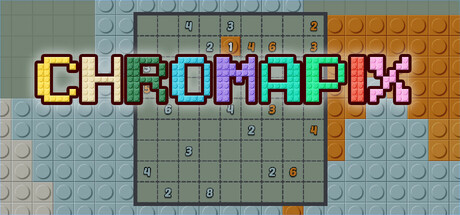
This is an extremely relaxing pixel art game. The operation is simple. Just hold down the mouse and drag to fill in the colors. It's easy to get started. Come and enjoy the fun of coloring and relieve your stress!
Developer
Publisher
Release
December 3, 2024
1 year and 331 days ago
Steam Reviews
6 user reviews6 reviews66.7%
Game contextLatest: IGF Team
| ContextThe evidence factors used to assess whether this game belongs on IndieGame.Fan. | Status | Notes Latest Contributor: IGF TeamEdit notes |
|---|---|---|
Media
11 itemsAbout the Game
This is an extremely relaxing pixel art game.
We have carefully prepared more than 100 levels for you, and each level is a pixel art. These levels can be played repeatedly, and every time you replay them, the content of the levels will be regenerated, bringing you a brand-new coloring experience.
The operation is simple. Press and hold the mouse to draw a rectangular area. If there is only one number within the area and the number of grids in the area is equal to the number, the filling can be completed.
When you encounter difficulties, you can click the button on the upper right for hints. Also, you can click the button on the lower left to clear all the currently filled areas and refill them.
YouTube Videos
Most viewedNo videos are available for this game yet.
User Comments
Join the conversation in this game’s community chat.
