

法蒂尼亚的传说 The Legend of Fatinha
The Legend of Fatinha is a gift for my wife and child, made in spare time. No AI – art, code, music almost all by me. This medieval world holds my love for family, classic RPGs, and words to share. Hope you love Ruby's story – she means the most. May this gift bring you a warm, fantastic adventure.
Does this feel indie?
Vote based on whether this game feels indie to you. You can change your vote at any time. Results earn an IGF score after 10 accepted votes.| ContextThe evidence factors used to assess whether this game belongs on IndieGame.Fan. | Status | Notes Latest Contributor: IGF TeamEdit notes |
|---|---|---|
Media
30 itemsAbout the Game
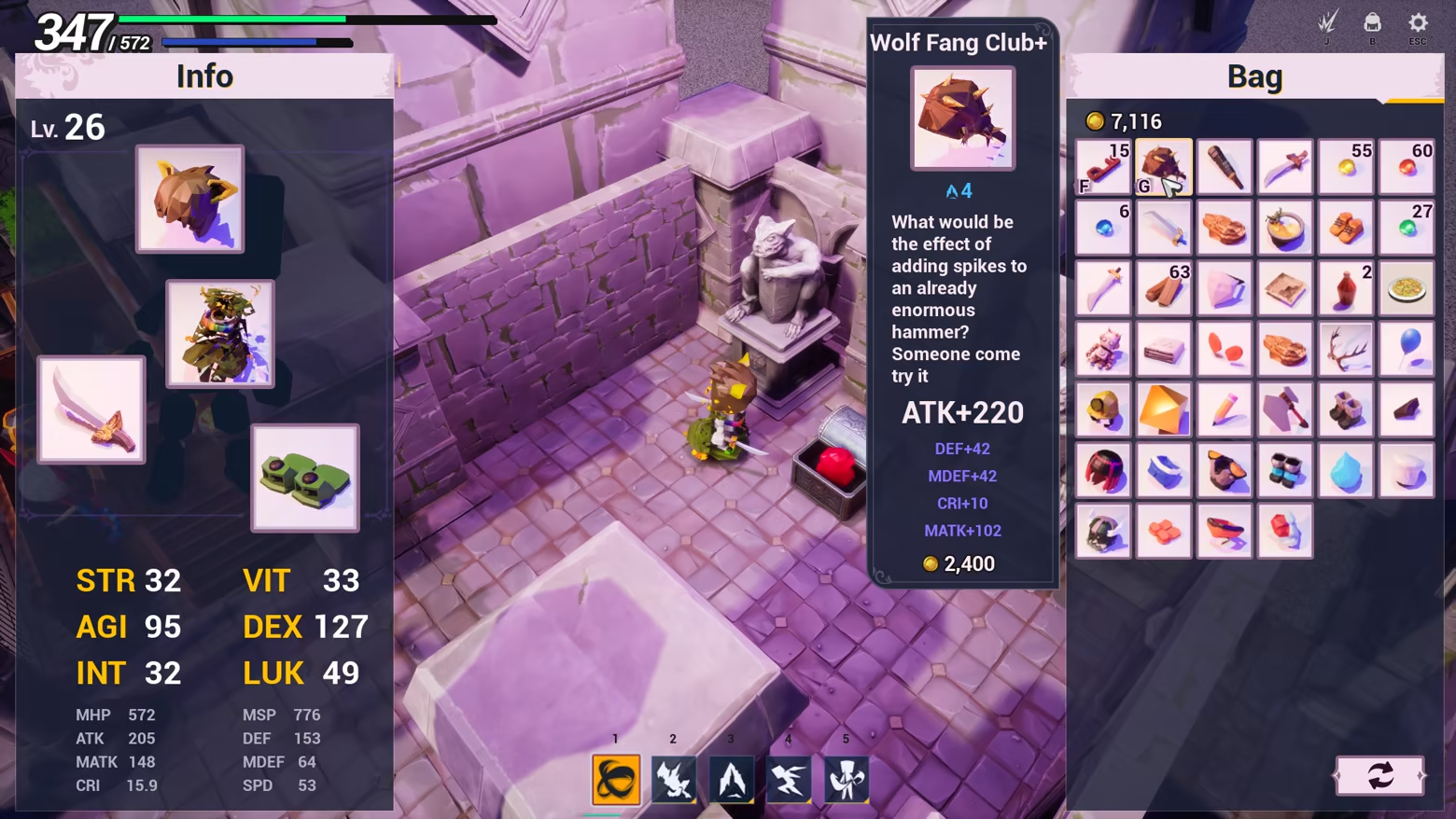
Prepare for battle
Craft tactics, mix gear, and unlock endless possibilities.
Explore the world
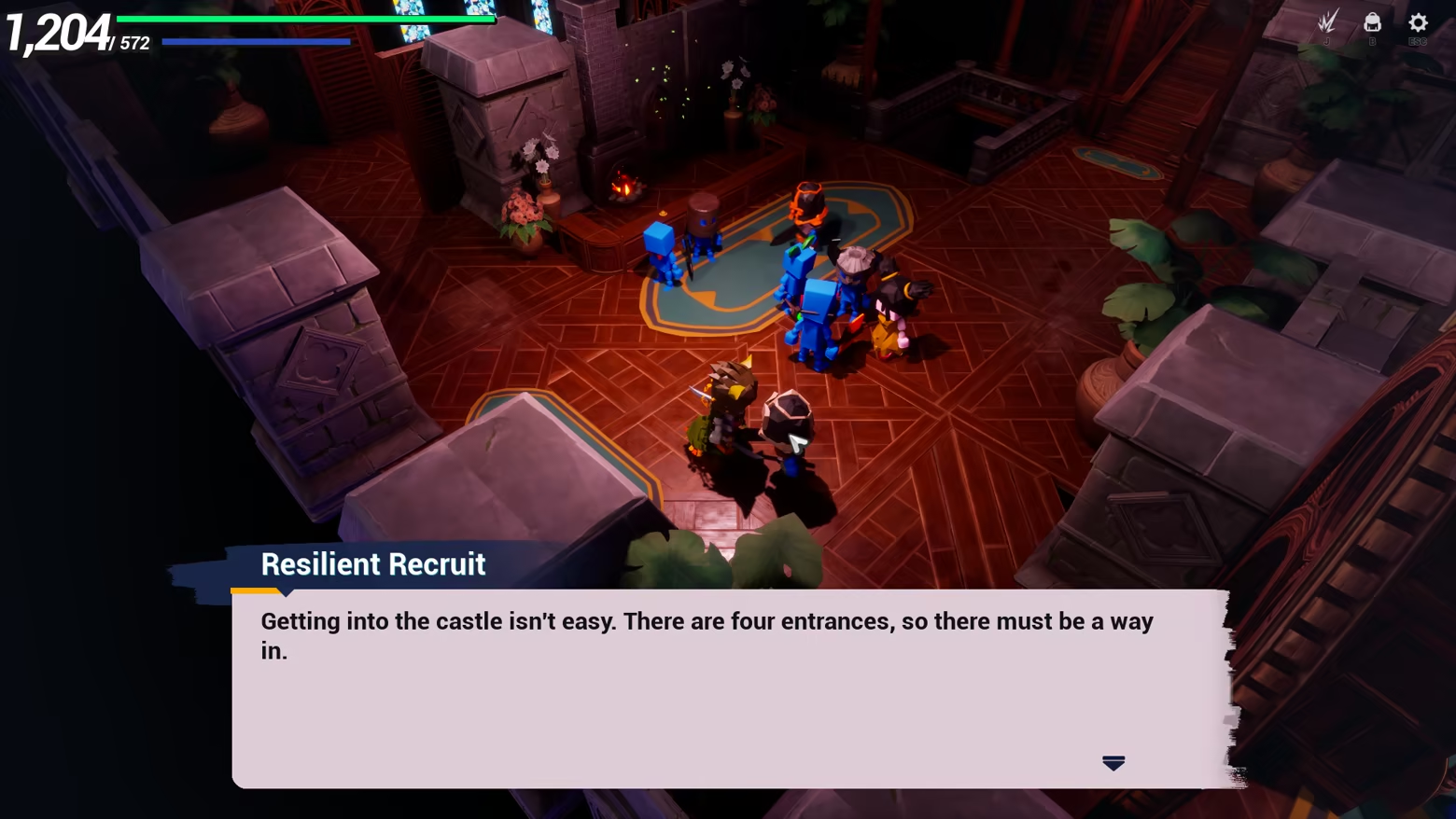
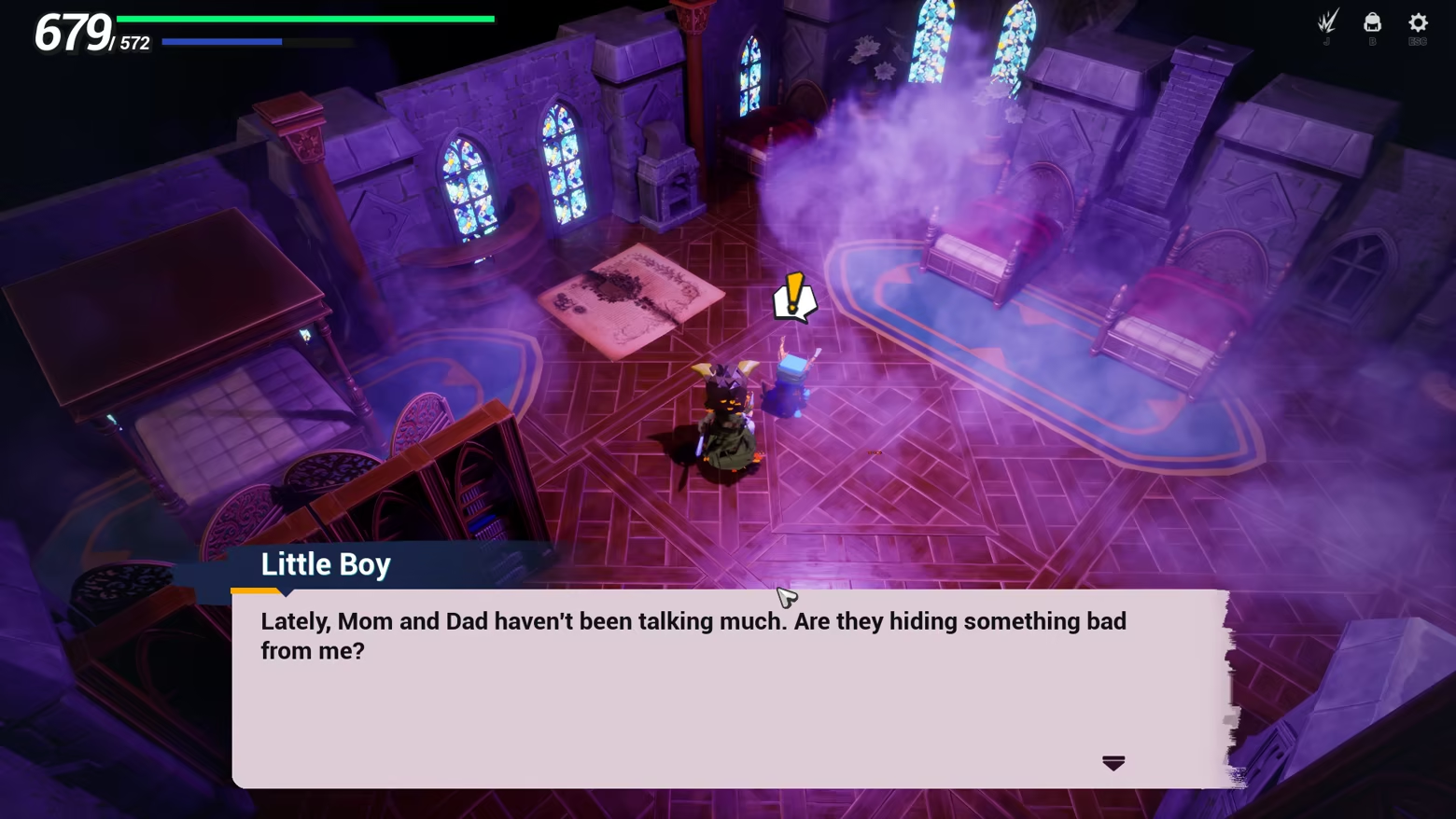
Aid the vulnerable kingdom soldiers and uncover the source of the darkness.
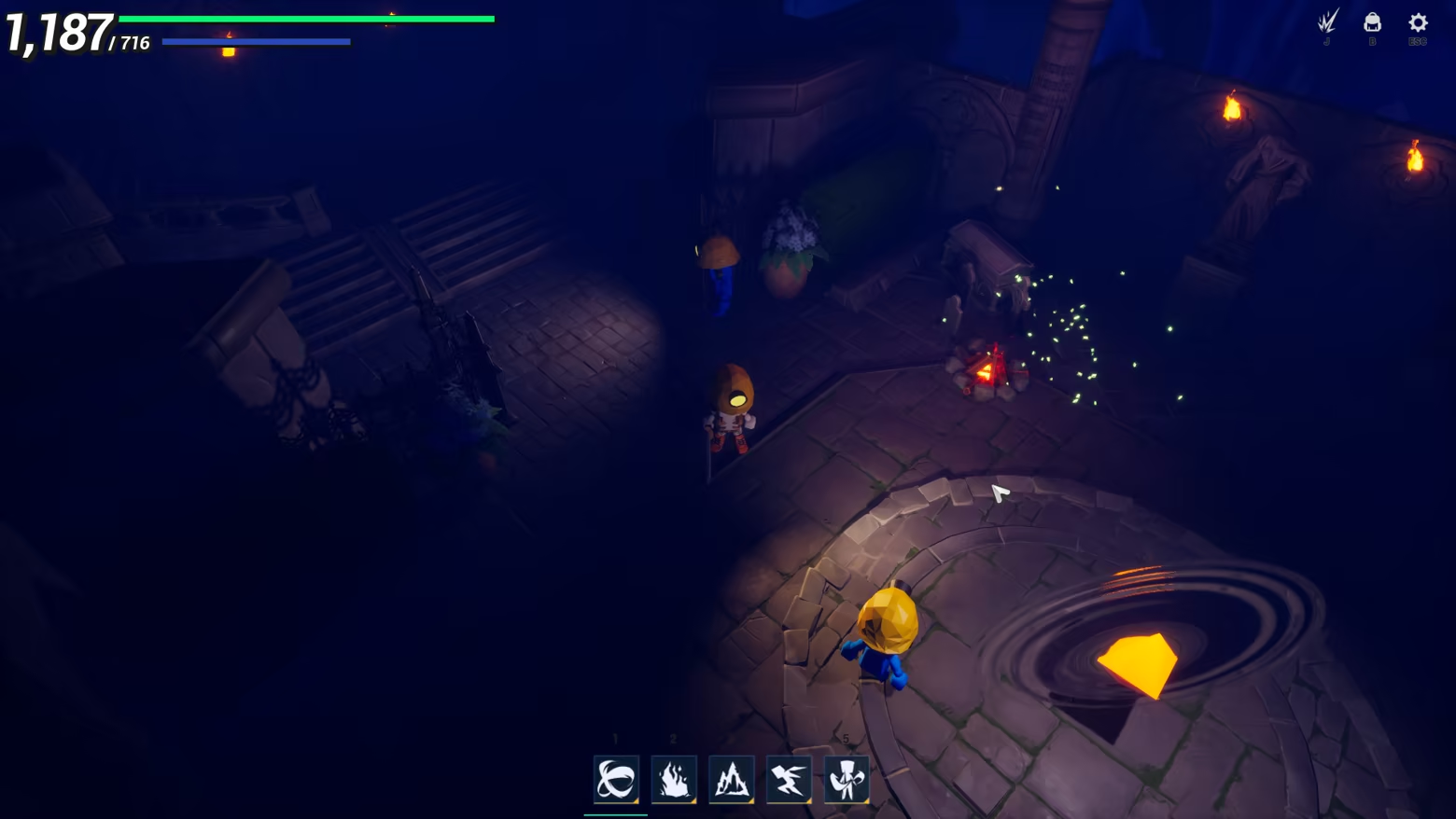
Challenging the Impossible
You're the last bit of courage left
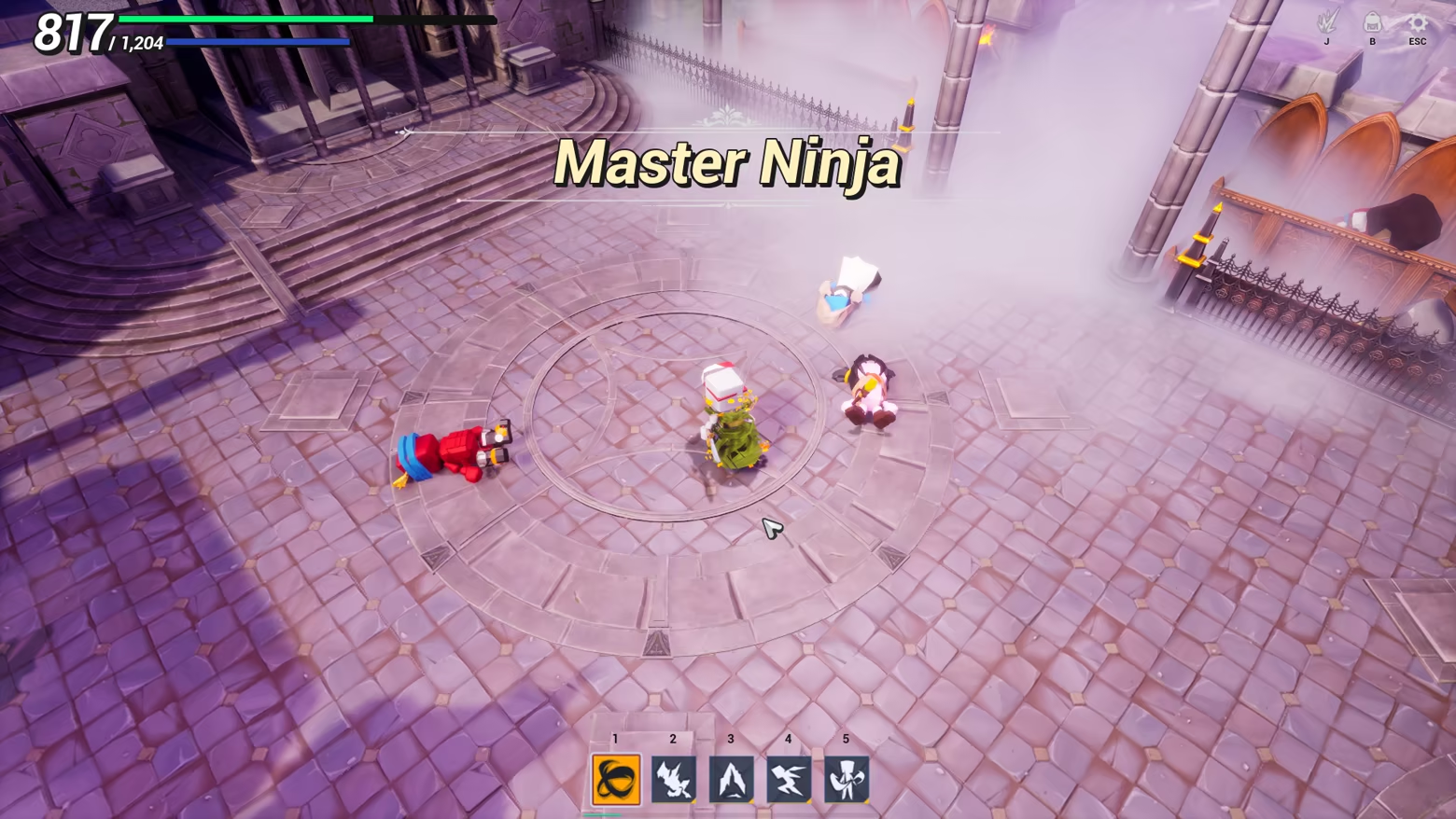
Controls
Movement: Use keyboard keys WASD or left mouse button.
Attack: Right mouse button.
Advanced
Inventory: Press B to open the inventory. Right-click on equipment to wear it. Right-click on an already equipped slot to remove the item.
Discard Items: Drag items outside the window to discard them. Discarded items cannot be recovered.
Skills: After learning a skill, press J to open the skills interface. Click and drag skill icons into the skill bar.
Using Skills: Press the corresponding number key on the keyboard to select a skill, then use the right mouse button to activate it. Press the same number key again to switch back to normal attacks.
Additional Notes
The game has a maximum level of 30, with five main chapters and one hidden ending.
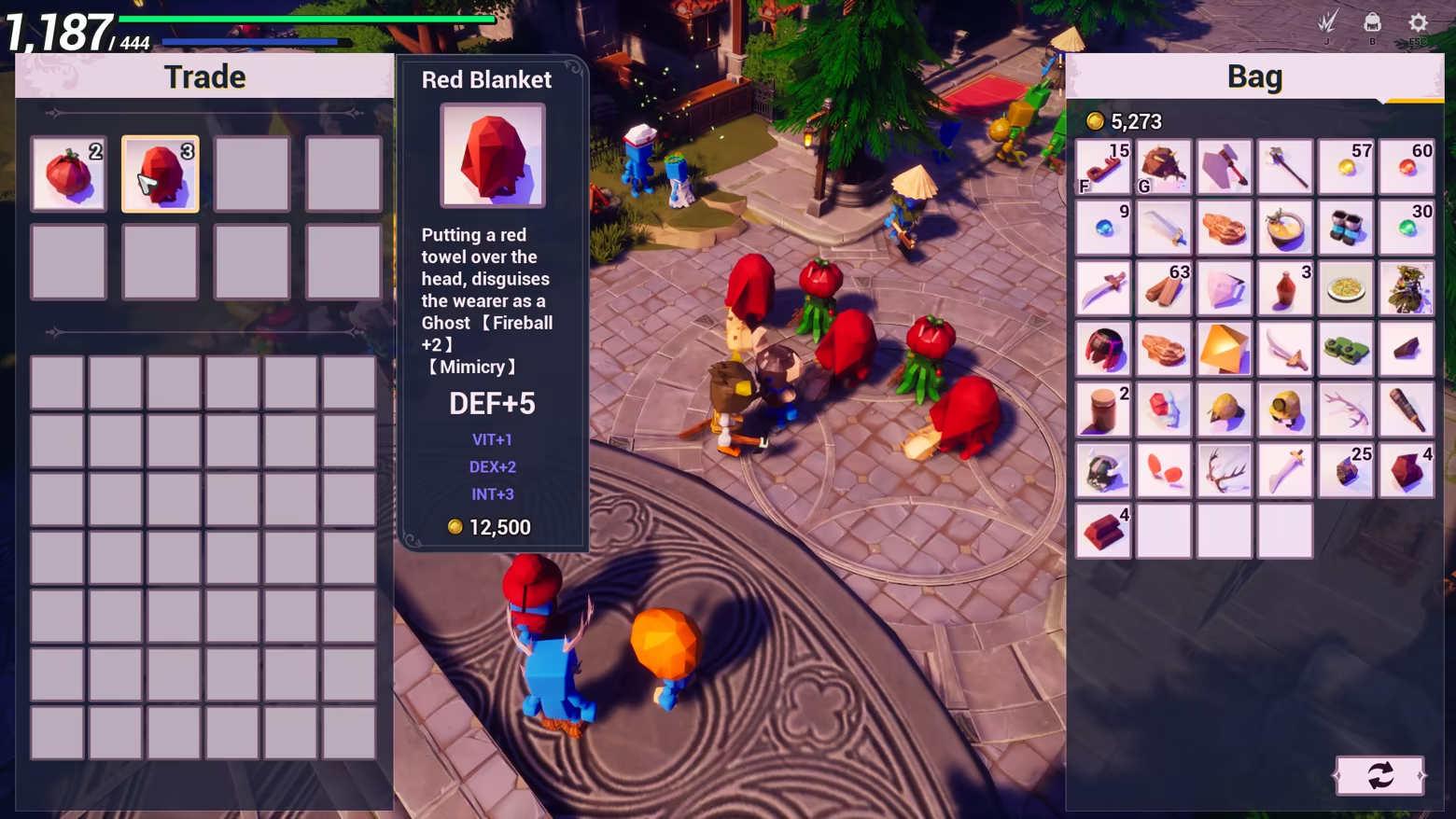
Equipment with the 【Mimic】 tag can only be equipped once. It grants a stat boost multiplied by the player’s current level.
After defeat, selecting "LAST RECORD" allows you to retain items and status changes, while selecting "BACK TO LOGIN" logs you out and returns you to the last save point.
In the main city, there is a "Chamber of Teleportation" that allows travel to villages where teleportation has been unlocked. To unlock teleportation to a village, speak with the NPC in that village.
Feel free to contact the author at: 331818250@qq.com. Let’s work together to make the game even better!
