


Angels' Uprising
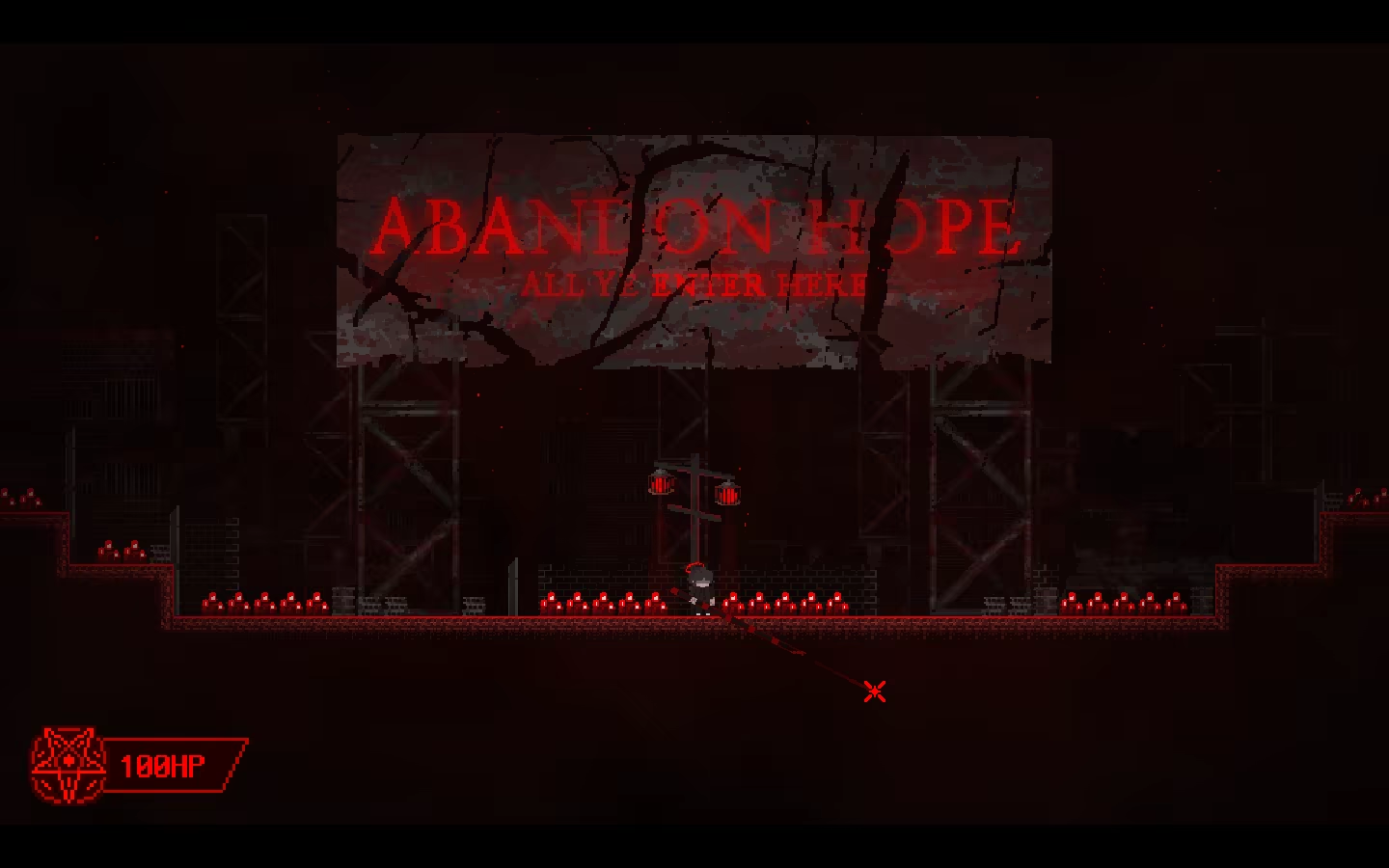
Angels’ Uprising is a stylish platformer action game set in a modern reinterpretation of Hell, where players use a spear as both a weapon and a traversal tool.
Does this feel indie?
Vote based on whether this game feels indie to you. You can change your vote at any time. Results earn an IGF score after 10 accepted votes.| ContextThe evidence factors used to assess whether this game belongs on IndieGame.Fan. | Status | Notes Latest Contributor: IGF TeamEdit notes |
|---|---|---|
Media
20 itemsAbout the Game
Angels’ Uprising
Angels’ Uprising is a stylish platformer action game set in a modern reinterpretation of Hell,
where players use a spear as both a weapon and a traversal tool.
With the spear, players can perform stylish movement—leaping across long distances, avoiding obstacles, and moving freely in 360 degrees.
The spear can also be used to impale enemies, block attacks, and interact with the environment.
Unique Movement Using the Spear
The most important core mechanic in Angels’ Uprising is a movement system based on anchoring.
The spear can be embedded into walls, ceilings, or the ground.
Jumping while the spear is anchored propels the player with acceleration in the opposite direction.
This allows players to jump higher, traverse walls, hang from ceilings, and move dynamically through the environment.
Not all surfaces can be anchored to.
Some walls allow anchoring, while others do not—requiring players to carefully plan where and how to anchor the spear in order to progress.
Unique Combat Using the Spear
In Angels’ Uprising, the spear is the player’s only weapon.
However, its functionality is far from simple.
The spear does not stop after killing a single enemy.
Reflecting its ability to pierce through targets, players can impale multiple enemies lined up in a row with a single thrust, creating a uniquely satisfying sense of impact.
The spear is not only used against enemies.
Players can impale environmental objects—such as explosive gas canisters—and throw them as weapons.
Even the bodies of impaled enemies can be picked up and used as projectiles.
Story
After death, you are brought before the judgment of the angels.
However, due to the interference of an unknown entity, you are cast not into Heaven, but into Hell.
Armed with nothing but a single spear, you must push forward, piercing your way through demons.
Along your journey, you will encounter a mysterious rebel faction, the residents of Hell, powerful Archdemons who command the forces of evil, and a mysterious angel who watches over you.
You will eventually become involved in a secret plan known as “Angels’ Uprising.”
Will you uncover the truth of Heaven and Hell, and find the path to reincarnation?
Hell Awaits You
Leap across Hell with a single spear in hand,
and pierce through everything that stands in your way.
Controls
Left Mouse Button – Thrust spear (attack, anchor to surfaces)
Right Mouse Button – Block, throw objects impaled on the spear
A – Move left
D – Move right
Space – Jump
E – Interact, advance dialogue
F – Fast-forward dialogue
Q – Carry ally
F1 – Hide UI
F3 – Toggle developer mode
F11 – Toggle fullscreen
